- Sign in to the Merchant Back Office:
https://paiement.systempay.fr/vads-merchant/
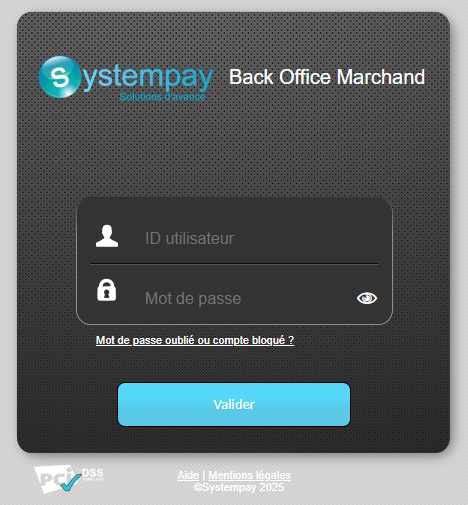
- Click on the Forgotten password or locked account? link.
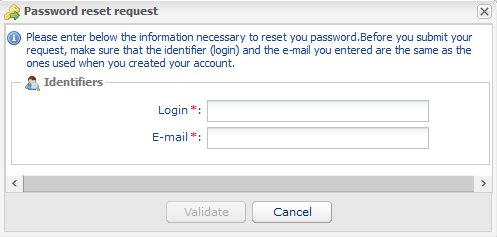
- Enter your login and the e-mail address associated with your account, then click Validate.
Your login information was sent to you by do_not_reply@mail.systempay.fr.
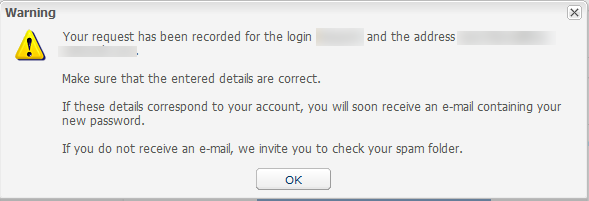
- Click the alert message below to return to the login page.
- Enter the login information provided in the password reset email and click Validate.
If you don't receive the password reset email, see the article Didn't receive the password reset email.
- Enter the security code, then click Next.
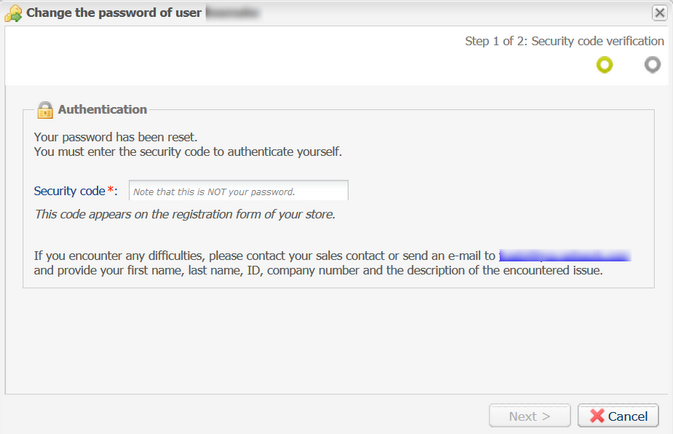
The security code appears on the registration and order forms document sent to the shop administrator by your sales contact. It is the same for all users within your company and has been chosen by your shop administrator.
If you have any problems, please contact E-commerce customer service.
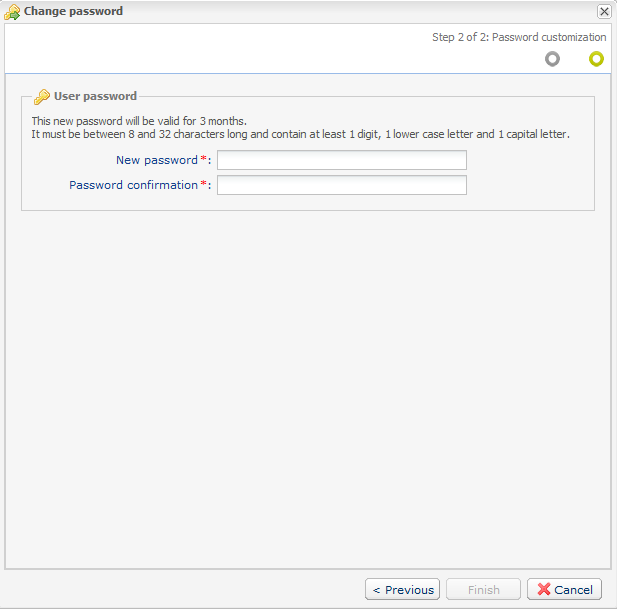
- Customize your new password by following the guidelines provided.